
You have a 60-page PDF and an exam in three days. Reading it again and again does not help. What helps is testing yourself. But writing questions by hand takes hours.
The good news is that AI can now do that part for you. In this guide on sitekibaat, you will learn how to convert a PDF into a quiz with AI in just a few minutes, even if you have never done it before.
Can You Convert a PDF Into a Quiz With AI?
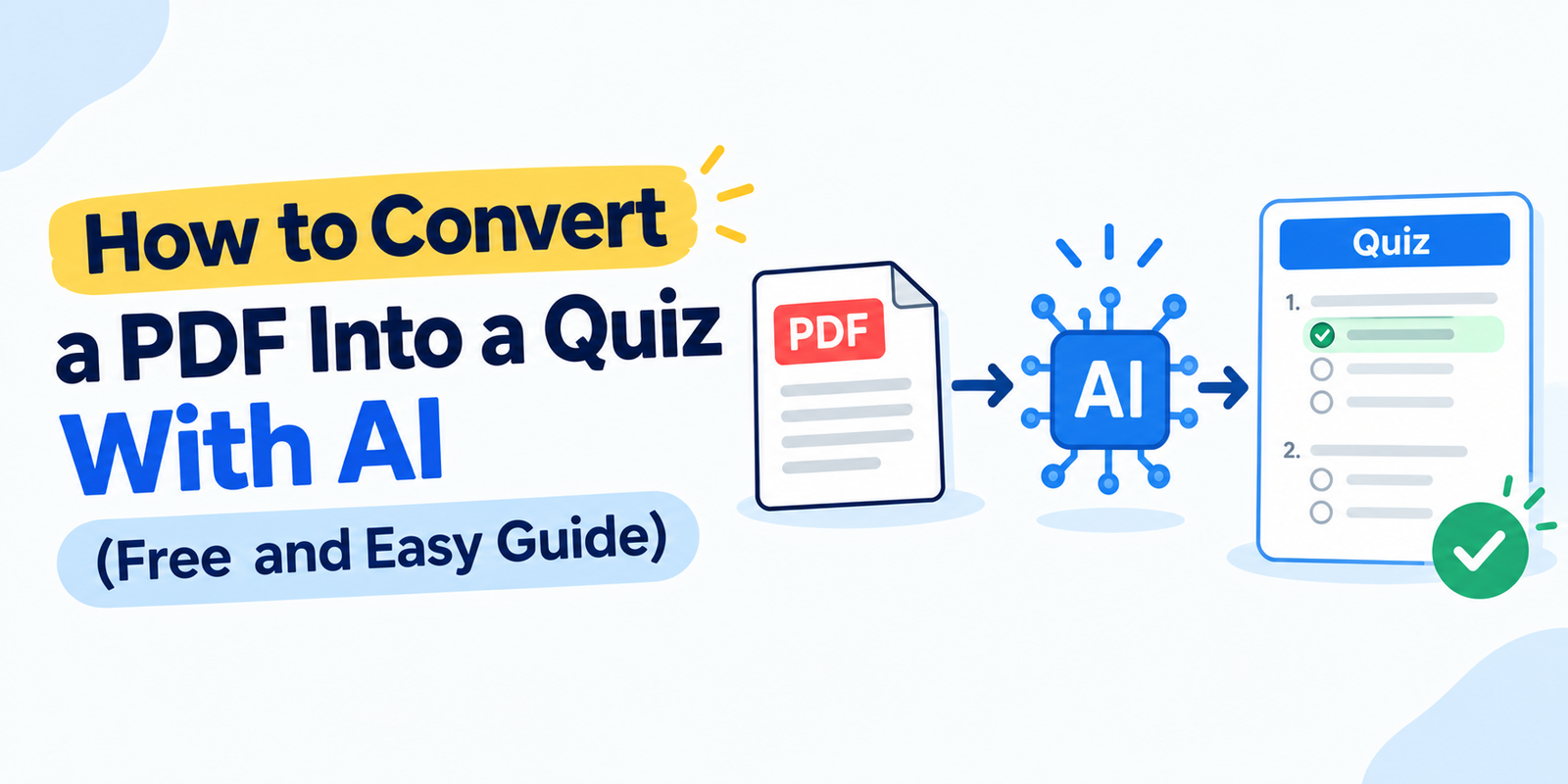
Yes. An AI quiz generator reads the text in your PDF, finds the key facts, and turns them into multiple-choice questions, true/false questions, or short answers within seconds.
You upload the file, choose the number of questions, and download or take the quiz online. No typing, no formatting, no stress.
Why Turn a PDF Into a Quiz?
Research on learning shows that active recall (trying to remember an answer) works better than just re-reading. A quiz forces your brain to recall, so you remember more for longer.
- Saves time. Questions are ready in seconds, not hours.
- Finds weak areas. Wrong answers show what to revise.
- Good for any subject. Works for notes, textbooks, and reports.
- Helps teachers too. Create tests and homework quickly.
How Does an AI Quiz Generator From PDF Work?
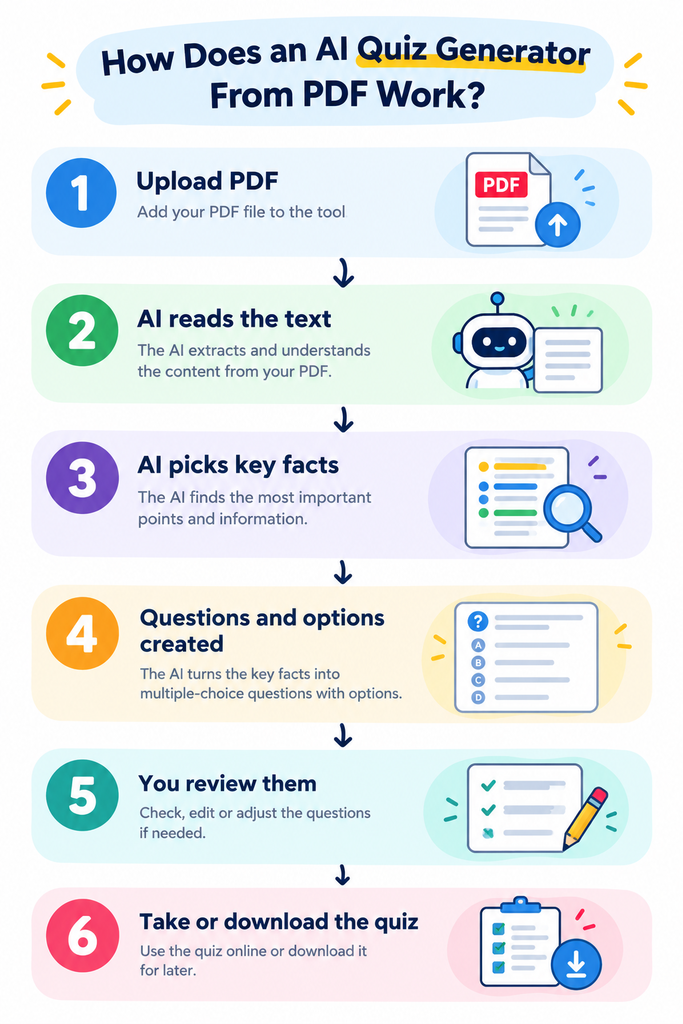
The AI looks for definitions, numbers, names, cause and effect, and key ideas. It then writes a question and creates wrong options (called distractors) that look believable. That is what makes a good MCQ.
How to Make a Quiz From a PDF in 5 Steps
Step 1: Get Your PDF Ready
Use a PDF with selectable text, like lecture notes or an e-book. If your file is a scanned photo, run it through an OCR tool first so the text can be read.
Step 2: Open a PDF to Quiz Generator
Go to our PDF to Quiz Converter. You do not need to write any prompts.
Step 3: Upload and Choose Settings
Upload your file and choose how many questions you want and which type: MCQs, true/false, or short answer. For a first try, 10 to 15 MCQs is perfect.
Step 4: Generate and Review
Click generate. In a few seconds your quiz is ready. Quickly read through the questions and check that the correct answers match your notes.
Step 5: Practice and Repeat
Take the quiz, check your score, and revise the topics you missed. Then generate a new quiz from the same PDF to practise again.
Which Question Type Should You Choose?
| Question Type | Best For | Example |
|---|---|---|
| Multiple choice (MCQ) | Exams, quick revision | “Which layer of the OSI model handles routing?” |
| True or false | Fast concept checks | “HTML is a programming language.” |
| Short answer | Deeper understanding | “Define a primary key.” |
| Fill in the blank | Memorising terms | “The brain of a computer is the ____.” |
Who Can Use a PDF to Quiz Generator?
| User | How It Helps |
|---|---|
| School and college students | Quick self-tests before exams |
| Competitive exam aspirants | Practice MCQs from study material |
| Teachers and tutors | Ready-made tests from chapters |
| Corporate trainers | Quizzes from training manuals |
| Content creators | Interactive quizzes for their audience |
AI Quiz vs. Writing Questions by Hand
You may wonder if it is worth switching. Here is an honest comparison:
| Point | Writing by Hand | AI Quiz Generator |
|---|---|---|
| Time for 20 questions | 1 to 2 hours | Under 1 minute |
| Effort | High | Very low |
| Wrong options (distractors) | Hard to think of | Created automatically |
| Repeat practice | Same questions every time | New quiz each time |
| Best use | Final check of key topics | Daily revision and practice |
The best method is to combine both. Let AI create the first draft, then edit one or two questions that matter most for your exam.
A Simple 7-Day Study Plan Using PDF Quizzes
Not sure how to use your quizzes? Try this easy plan before an exam:
| Day | What to Do |
|---|---|
| Day 1 to 2 | Read one chapter, then generate a 15-question quiz from it |
| Day 3 to 4 | Repeat for the next chapters and note every wrong answer |
| Day 5 | Retake the quizzes for your weak chapters |
| Day 6 | Create one big quiz from your full notes |
| Day 7 | Light revision of mistakes only, then rest well |
Tips for Getting Better Quiz Questions
- Use clean, well-structured PDFs. Headings and short paragraphs give better questions.
- Upload one chapter at a time. Smaller files create more focused questions.
- Always review the answers. AI is fast, but a quick check keeps quality high.
- Mix question types. MCQs plus short answers test you more fully.
- Repeat the quiz after two days. Spaced practice builds long-term memory.
Common Mistakes to Avoid
- Uploading a blurry scanned PDF with no readable text.
- Uploading a whole 500-page book at once.
- Trusting every answer without checking it.
- Taking the quiz only once and never revising.
Conclusion
Converting a PDF into a quiz is one of the fastest ways to study smarter. Upload your notes, generate questions, test yourself, and fix your weak spots. It takes minutes and gives you far better results than reading alone.