
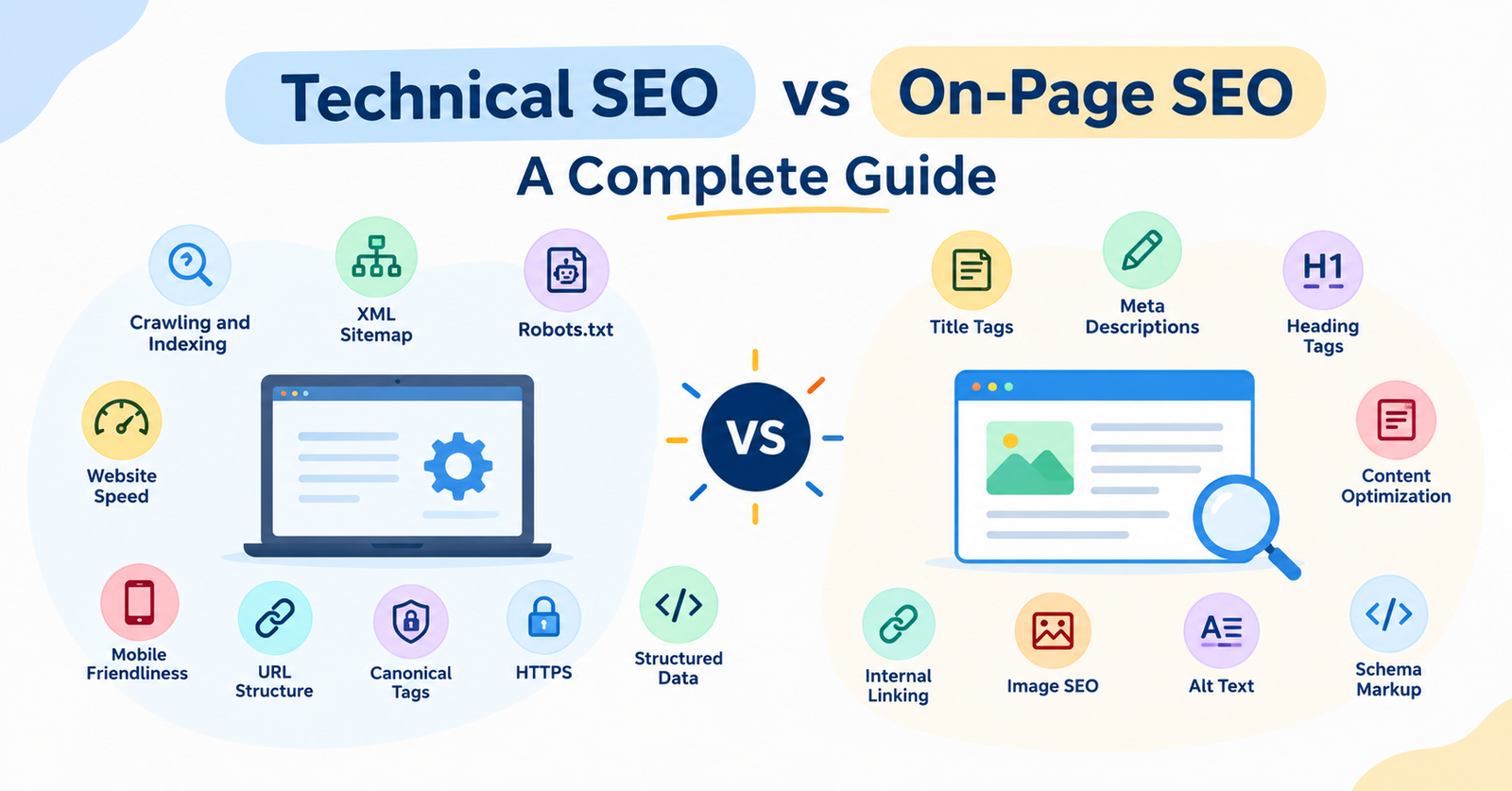

People often use “technical SEO” and “on-page SEO” as if they mean the same thing, but they solve two different problems. One makes sure search engines can actually find and read your site. The other makes sure the content on each page is worth ranking. This guide breaks down both, so you know exactly where to focus your time.
What Is Technical SEO?
Technical SEO is the work that happens behind the scenes of a website, the part users never see, but search engines depend on heavily. It covers everything related to how a site is built and how easily Google can crawl, understand, and index its pages.
Think of it like the foundation of a house. You can paint the walls and decorate however you like, but if the foundation is weak, the house won’t stand well. Same with a website. If it loads slowly, has broken pages, or doesn’t work well on phones, it won’t rank, no matter how good the writing is.
Key Elements of Technical SEO
In simple terms, technical SEO is about fixing the “behind the scenes” stuff so Google can find, understand, and trust your site. Here are the 10 key parts, in the same order as the graphic below.
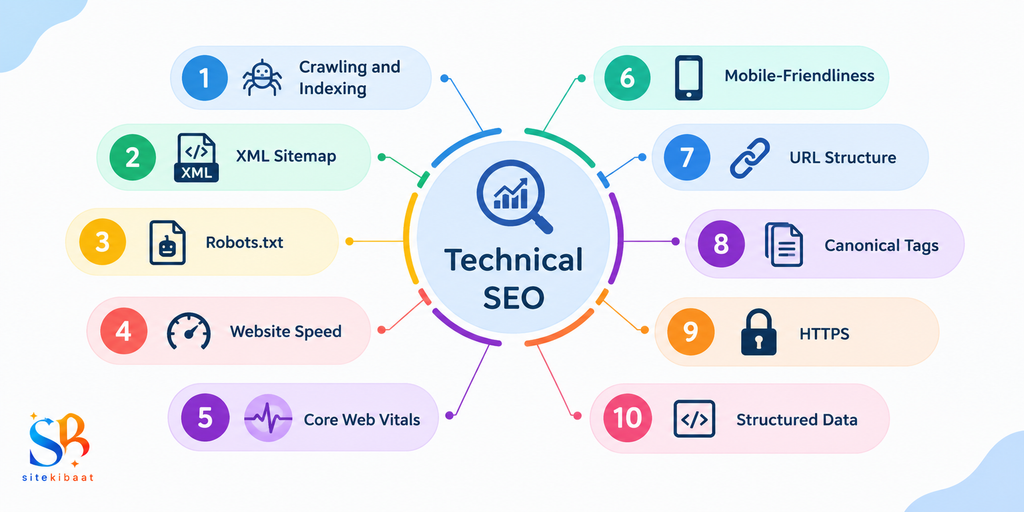
- Crawling and Indexing: making sure search engines can find and read your pages
- XML Sitemap: a file that lists all your pages so search engines can find them
- Robots.txt: tells search engines which pages to crawl and which to skip
- Website Speed: how fast your pages load for visitors
- Core Web Vitals: Google’s metrics for loading speed, interactivity, and visual stability
- Mobile-Friendliness: how well your site performs on phones and tablets
- URL Structure: clean, descriptive URLs that are easy to read and crawl
- Canonical Tags: marks the preferred version of a page to avoid duplicate content issues
- HTTPS: a secure, encrypted connection for your site
- Structured Data: code that helps search engines understand and display your content better
What Is On-Page SEO?
On-page SEO is everything you can optimise directly on a page to help it rank for the right search terms and actually satisfy the person reading it. Where technical SEO is about access, on-page SEO is about relevance and quality.
This is the part most people think of first when they hear “SEO”, things like the words on the page, the title that shows up in search results, and how the content is structured for readers. Done well, it tells both search engines and users that a page genuinely answers what someone was searching for.
Key Elements of On-Page SEO
On-page SEO is about optimising everything on the page itself so it matches what people are searching for and reads well once they land on it. Here are the 10 key elements, in the same order as the graphic below.
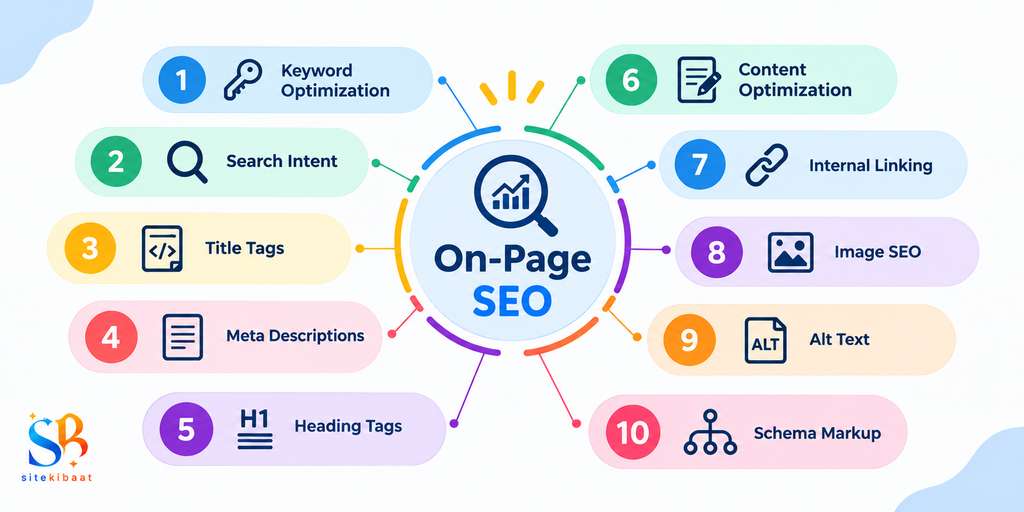
- Keyword Optimization: using target keywords naturally across the content
- Search Intent: matching the content to what the searcher actually wants
- Title Tags: the clickable headline shown in search results
- Meta Descriptions: the short summary shown below the title in search results
- Heading Tags (H1): structuring content so it’s easy to scan
- Content Optimization: writing clear, useful, well-organised content
- Internal Linking: linking to other relevant pages on your own site
- Image SEO: optimising images for size, format, and relevance
- Alt Text: describing images for accessibility and for search engines
- Schema Markup: code that helps search engines display rich results
Technical SEO vs On-Page SEO: Key Differences
Technical SEO and on-page SEO handle different parts of the same job. One works behind the scenes on how your site is built, while the other focuses on the content of each page. Here’s a quick side-by-side look at how they differ.
| Aspect | Technical SEO | On-Page SEO |
|---|---|---|
| Main focus | How search engines access and read your site | How relevant and useful a page is to searchers |
| Where it lives | Site structure, code, and server settings | Individual page content and HTML elements |
| Example tasks | Fixing crawl errors, improving site speed | Writing title tags, optimising content |
| Who benefits most | Every page on the site at once | The specific page being optimised |
| Visible to users? | Mostly invisible, works in the background | Partly visible, like titles and headings |
| Skill needed | Some technical/development knowledge | Writing and keyword research skills |
Best Tools for Technical SEO and On-Page SEO
You don’t need dozens of tools to cover both areas well. A handful of reliable ones can handle most technical checks and on-page optimisation between them. Here are some of the most commonly used ones:
| Tool | Best For | Key Feature |
|---|---|---|
| Google Search Console | Technical SEO | Crawl errors, indexing status, Core Web Vitals |
| Screaming Frog | Technical SEO | Full site crawl to find broken links and duplicate content |
| Google PageSpeed Insights | Technical SEO | Page speed and Core Web Vitals scoring |
| Yoast SEO / Rank Math | On-Page SEO | Real-time title, meta, and keyword checks while writing |
| Ahrefs / SEMrush | Both | Keyword research, site audits, and competitor analysis |
| Google Analytics | Both | Tracks how pages perform once they’re live |
Technical SEO vs On-Page SEO: Which One Should You Focus On?
The honest answer is that you need both, just not always at the same time. Technical SEO is the foundation, so if your site has serious crawl or speed issues, fixing those should come first. Great content on a page Google can’t properly index won’t rank no matter how good it is.
Once the technical side is in decent shape, on-page SEO is what actually pushes individual pages up the rankings. It’s where keyword targeting, content quality, and search intent come into play.
- Focus on technical SEO first if: your site is new, loads slowly, has indexing errors, or isn’t mobile-friendly
- Focus more on on-page SEO if: your technical health is already solid, but pages aren’t ranking or converting well
Conclusion
Technical SEO and on-page SEO aren’t competing strategies they are two parts of the same puzzle.Technical SEO makes sure your site is even in the running, and on-page SEO is what convinces search engines and readers that a specific page deserves to rank. Skipping either one usually means leaving rankings on the table.
FAQs About Technical SEO vs On-Page SEO
Neither is “better” on its own. Technical SEO gets your site noticed and indexed, while on-page SEO helps individual pages rank once they’re found. You need both working together.
Technical SEO deals with how a site is built and how easily search engines can crawl it, while on-page SEO focuses on optimising the content and HTML elements of individual pages.
Not exactly. They’re usually treated as separate categories, though they do overlap in a few areas, like structured data and internal linking, which touch both.
It depends on where your site currently stands. If there are technical issues blocking indexing, fix those first. If the technical side is solid, on-page improvements will have a bigger impact.
Yes, and for most sites that’s the ideal approach. Running a basic technical audit alongside on-page improvements makes sure you’re not optimising content that search engines can’t even properly crawl.